

1. Open the Context Hub
In the LangSmith UI, select Context in the left-hand navigation. The Context Hub lists every agent and skill in your workspace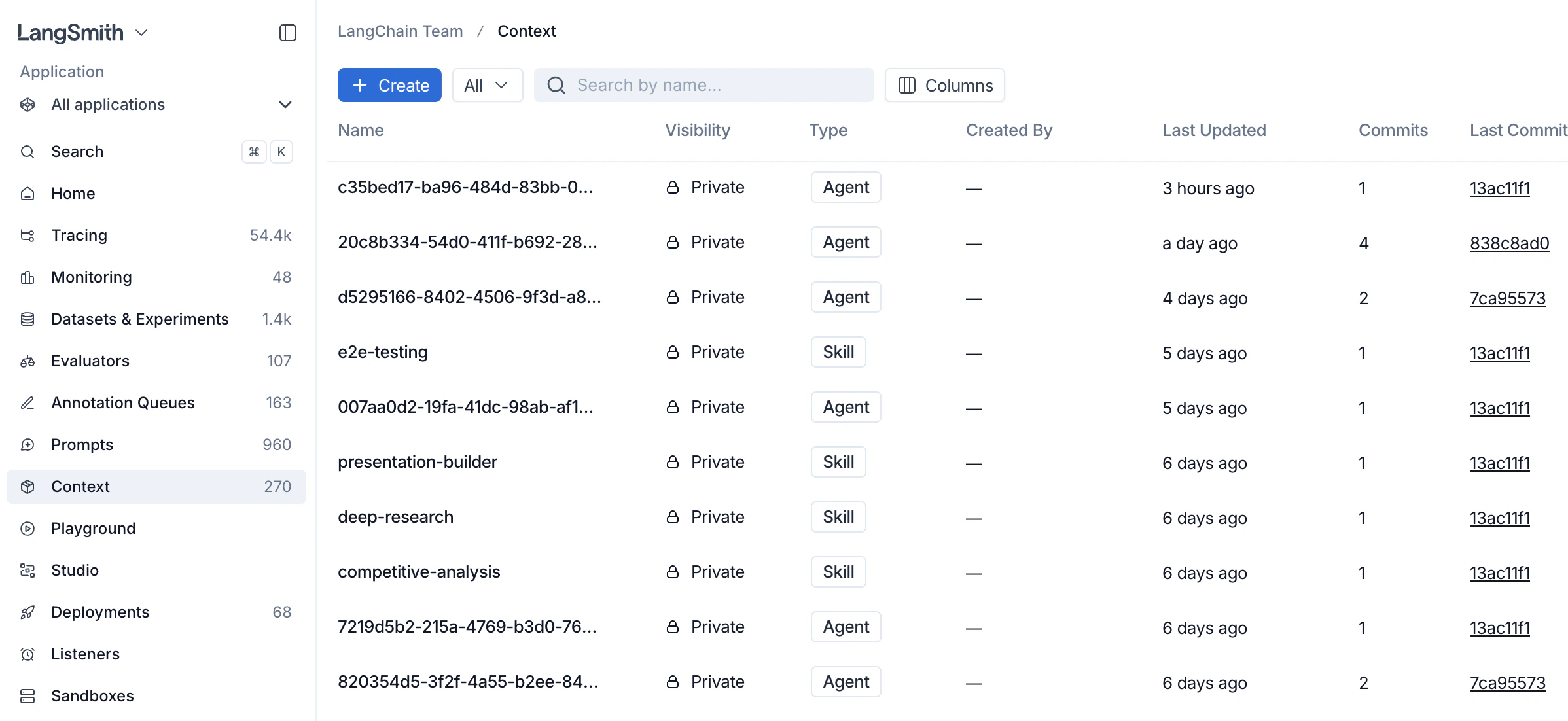
2. Create context
- Click + Create in the top left of the Context Hub.
-
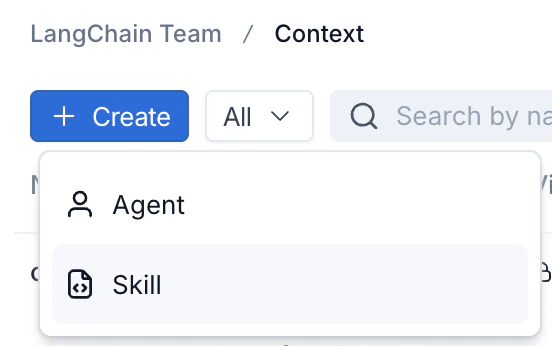
Choose the context type:
- Agent — a full agent bundle including an
AGENTS.mdfile and tools. - Skill — a reusable capability that agents can use including a
SKILL.mdfile
- Agent — a full agent bundle including an
- Edit and create
3. View context
Click on an agent or skill from the Context Hub to view it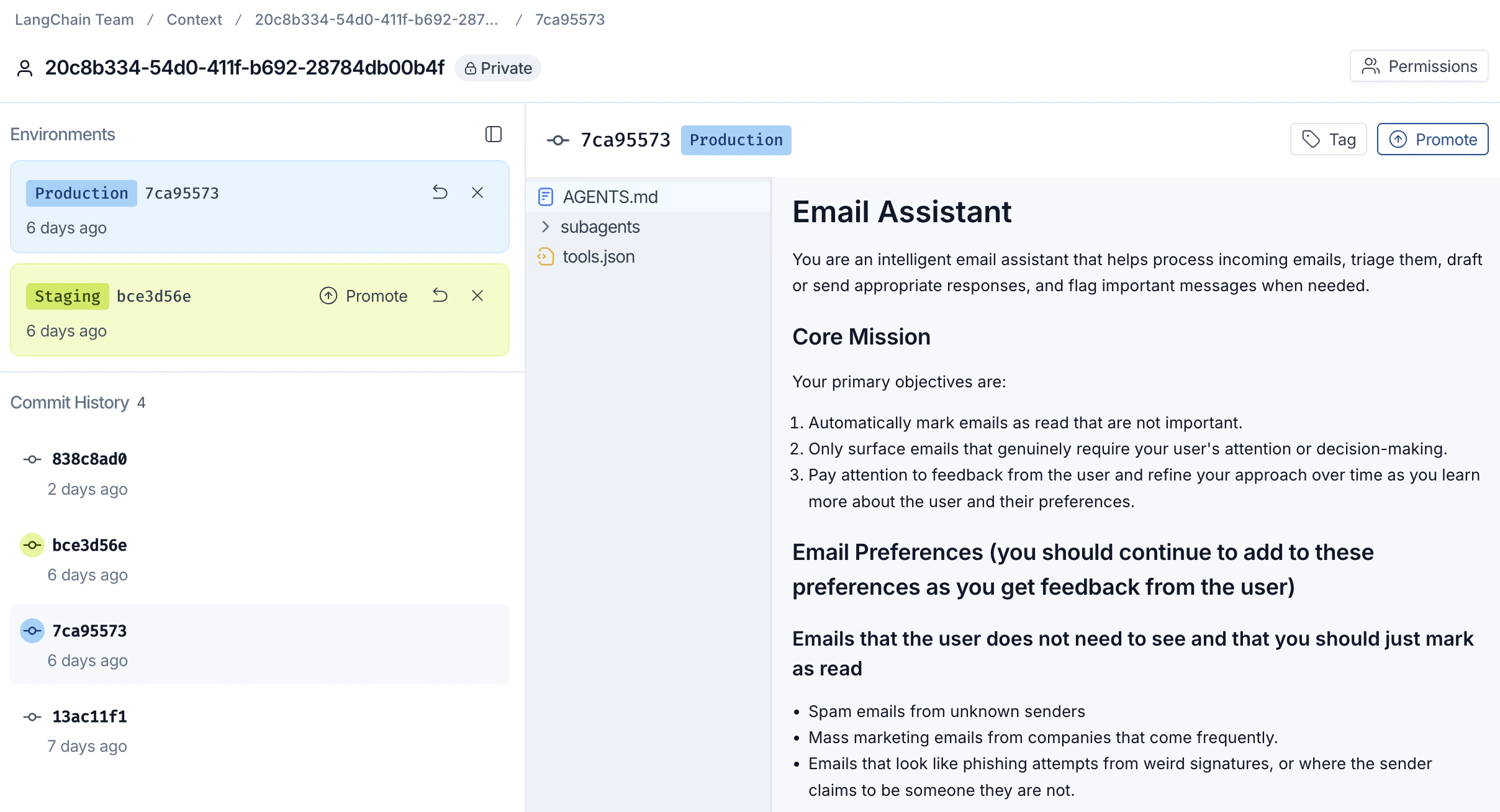
4. Tag and promote a commit
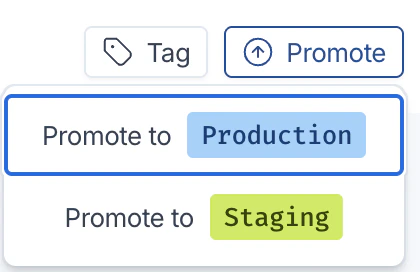
Once a commit is ready to ship, promote it to an environment so downstream agents can pull it.- With the target commit selected, click Promote in the top right.
-
Choose the destination environment:
- Promote to Production — the commit your production agents pull.
- Promote to Staging — a pre-production environment for validation.
-
The environment label (for example,
Production 7ca95573) moves to the promoted commit. Use the Tag button next to Promote to attach a human-readable label to any commit for easy reference.
Connect these docs to Claude, VSCode, and more via MCP for real-time answers.